![AuctionNinja-Standard Logo-2.png]](https://support.auctionninja.com/hs-fs/hubfs/AuctionNinja-Standard%20Logo-2.png?height=31&name=AuctionNinja-Standard%20Logo-2.png)
Before you get started, make sure that you have created an auction and dated for future use. CLICK HERE if you're not sure how to do that.
Once you have created an auction, make sure it's dated to close in the future---you can ALWAYS edit the end date.
NOTE:
In order to create an auction, all you need is an end date, a sale type, and an auction title. You can leave other fields blank until you're ready to post!
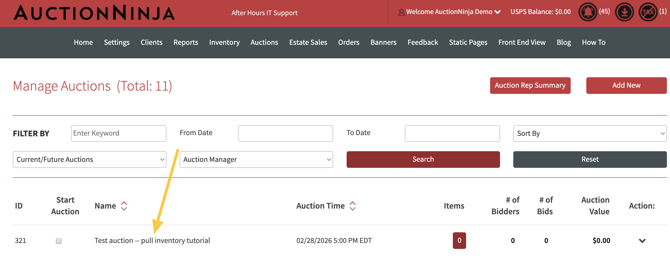
-
The auction in place is dated to close in the future.
-
There are zero lots.
-
The auction is NOT active.
After that, click on INVENTORY.
Once you have selected "submit," the empty lots will appear in your draft inventory. The items will be in sequential order. All lots added will be associated with the auction you created.
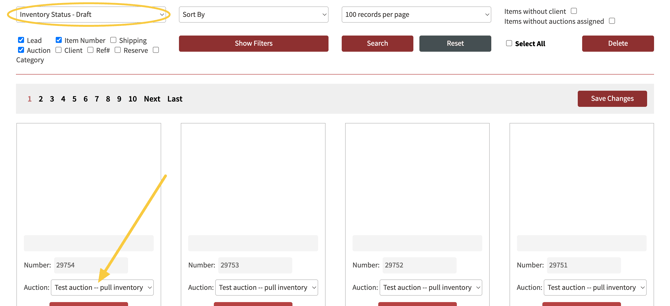
You can now catalog easily via item number.
KEY NOTES:
All auctions have a 500 lot limit.
You can check out inventory multiple times.
You can use check out inventory to add items to a specific consignor account as well. This is helpful if you are conducting a single owner sale.